# React Native Debug Console
... and yes I am aware that it is a boring name
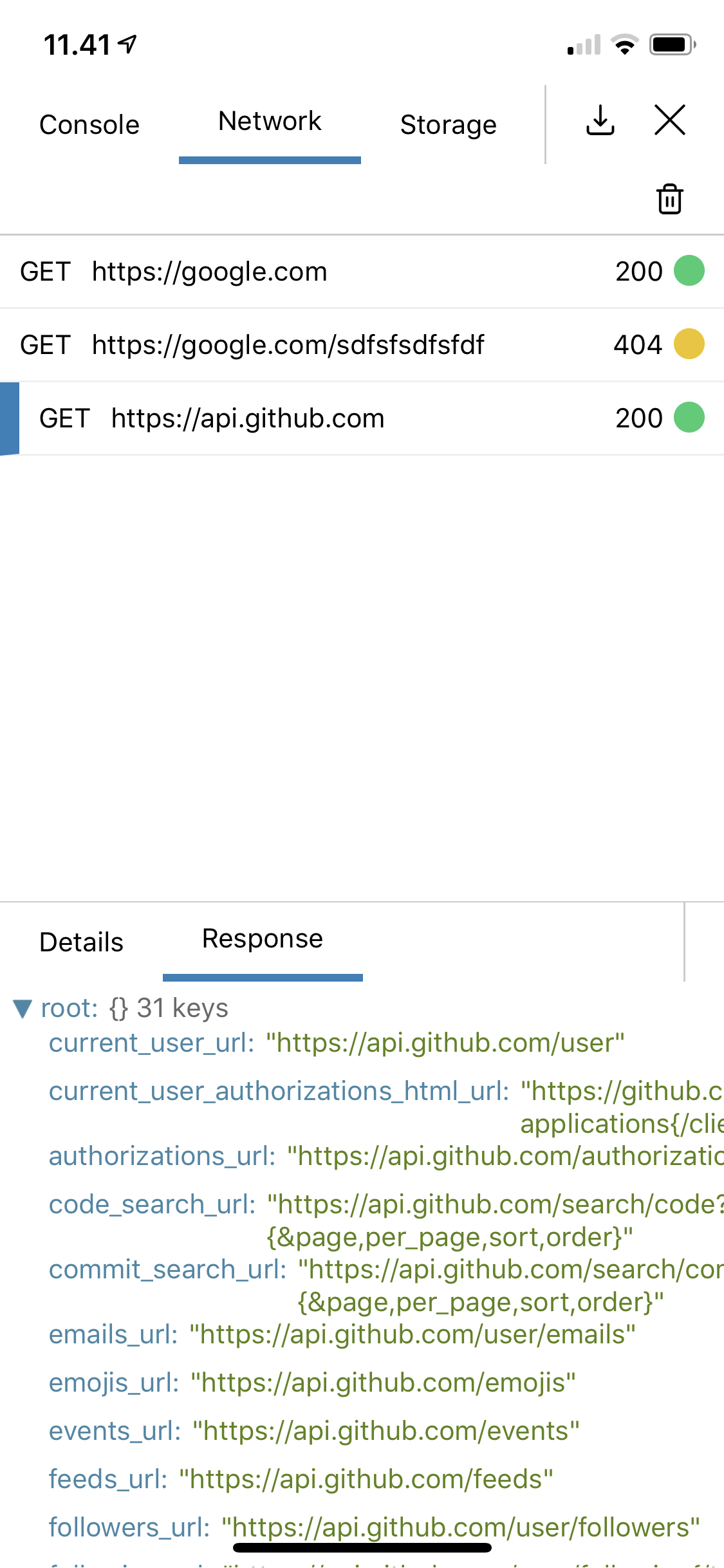
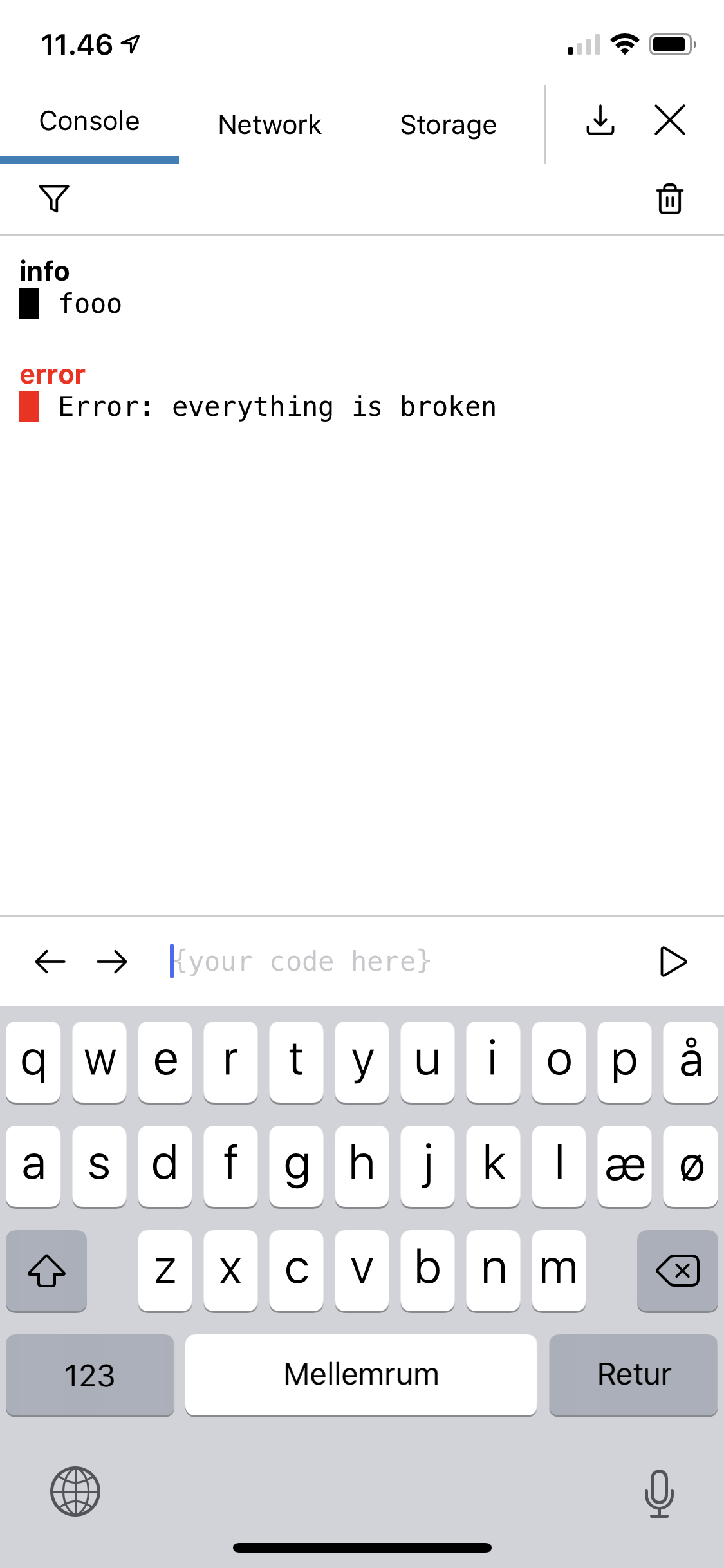
React Native Debug Console is an easy to use network and console debug component and modal for react native, written purely in JavaScript
[[demo]](https://snack.expo.io/@mortenolsen/react-native-debug-console)
## Installation
```
npm install react-native-debug-console
```
## Usage
In order to redirect console logs and network logs to the console, these has to be attached
```javascript
import {
DevTool,
DevToolModal,
log,
network,
show,
} from 'react-native-debug-console';
network.attach();
log.attach();
```
Be aware that this stops logs to be output to the regular console.
If that is needed, attach it as `log.attach(true)`
`react-native-debug-console` can be used either as a modal, or as a standard component, which can be placed anywhere in you application
```javascript
const AppWithModal = () => (
);
const AppWithComponent = () => (
);
```
Both `DevTool` and `DevToolModal` has a `includeStackTrace` property, which if set will print the stack trace on errors, not just the error message. ``
## Custom views
In addition to the included views (Console, Network and Storage), custom views can also be added using the `additionalTools` prop and can be accessed in the top tab bar, by sliding the bar
```javascript
,
getData: () => 'some data for export',
}]}
/>
```
 ## Installation
```
npm install react-native-debug-console
```
## Usage
In order to redirect console logs and network logs to the console, these has to be attached
```javascript
import {
DevTool,
DevToolModal,
log,
network,
show,
} from 'react-native-debug-console';
network.attach();
log.attach();
```
Be aware that this stops logs to be output to the regular console.
If that is needed, attach it as `log.attach(true)`
`react-native-debug-console` can be used either as a modal, or as a standard component, which can be placed anywhere in you application
```javascript
const AppWithModal = () => (
## Installation
```
npm install react-native-debug-console
```
## Usage
In order to redirect console logs and network logs to the console, these has to be attached
```javascript
import {
DevTool,
DevToolModal,
log,
network,
show,
} from 'react-native-debug-console';
network.attach();
log.attach();
```
Be aware that this stops logs to be output to the regular console.
If that is needed, attach it as `log.attach(true)`
`react-native-debug-console` can be used either as a modal, or as a standard component, which can be placed anywhere in you application
```javascript
const AppWithModal = () => (